
 Electronics & Computer
 Smart Home & Security
 Home Appliances
 Kitchen & Dining
 Power & Charging
 Gaming & Entertainment
 Automotive & Outdoor
 Health & Personal Care
 Office Electronics
 Smart Lighting & Ambient





🤝 AFFILIATE DISCLOSURE: AVERY FINDS MAY EARN A COMMISSION IF YOU PURCHASE THROUGH LINKS IN THIS ARTICLE.
Making a short product ad, planning a cinematic scene, and creating an image for a storyboard are three different jobs. The first starts with a product that needs to look accurate. The second depends on how the camera, lighting, and movement work together. The third may come down to finding one frame that communicates the right mood. Higgsfield AI offers tools for each of these jobs, along with a workspace for combining them.
This review compares Cinema Studio, Marketing Studio, Soul Cinema, and Canvas using Higgsfield’s published documentation and examples. The comparison focuses on what each tool needs as input, where it fits in a project, and what you should check before subscribing. The images show official Higgsfield examples or interfaces. Each image and button opens the Higgsfield homepage through the affiliate link.
What Is Higgsfield AI?
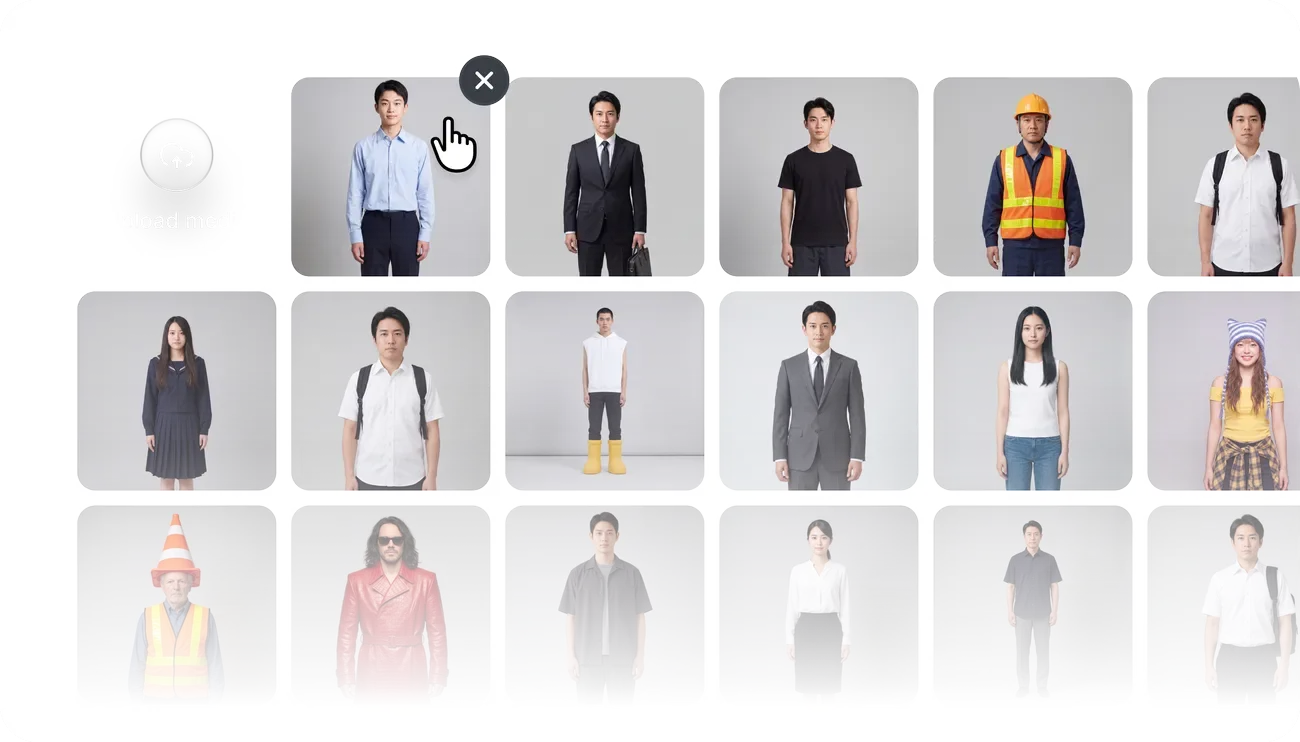
Higgsfield is an AI creative platform for making images, videos, and marketing content. It offers dedicated tools for different production tasks. Cinema Studio gives creators control over how a scene is shot. Marketing Studio starts with product material and helps develop ads. Soul Cinema creates still images for visual development, while Canvas connects several steps on a single board.
Think about the first deliverable you need. An ecommerce team preparing a social ad can start with an approved product photo. A filmmaker working from a script may need a still reference or a test shot. A team producing variations every week may benefit from a workflow that preserves its prompts, references, and generation steps. Starting with the deliverable makes the platform easier to evaluate.
1. Cinema Studio for AI Filmmaking

Cinema Studio is designed for projects where camera and shot choices matter. Higgsfield documents controls for elements such as lens selection, lighting, camera movement, and color. Available controls depend on the studio version, model, and workflow. You can also bring reference material into a scene to give the generation a clearer visual direction.
Imagine you are planning a short clip for a café opening. A wide shot could establish the interior, while a closer shot could focus on a cup being placed on a table. Start with one of those shots and one clear camera move. Compare several versions with the same reference and change a single setting at a time. That gives you a better basis for judging whether a different camera move or composition helps.
The main question is whether the extra controls solve a problem you actually have. If your brief calls for two shots that look like part of the same scene, check wardrobe, props, and lighting across both. If you only need a quick teaser, try a short clip and see how many revisions it takes before it is ready. Check the selected settings and credit cost before generating a longer sequence.
Visit Higgsfield to Explore Cinema Studio
2. Marketing Studio for Product Videos

Marketing Studio is built around product advertising. Higgsfield describes workflows that start with a product image or URL and support formats such as product showcases, tutorials, unboxings, and UGC-style ads. That makes it a practical tool to evaluate if you already have product photography and want to explore several ways to present the same item.
Give each draft one clear job. A showcase might introduce the product and its shape. A tutorial might explain one step a buyer needs to understand. If the video includes a presenter, read the script and listen to the delivery. A fluent voiceover can still describe a feature incorrectly or use a phrase that sounds out of place for your audience.
Check the output against the original listing and approved photos. Pay attention to packaging text, labels, colors, controls, and included accessories. A small visual change can affect what a shopper expects to receive. When comparing this workflow with your current approach, include the time spent checking and correcting drafts. The effort required to reach a publishable result matters more than the time it takes to generate the first version.
Visit Higgsfield to Explore Marketing Studio
3. Soul Cinema for Cinematic Still Images

Soul Cinema is an image model for film-inspired stills. Its role is easiest to understand at the start of a project, when you are deciding how a scene should look. A still can communicate framing, atmosphere, lighting, and color before you spend time generating video. It can also serve as a storyboard frame or as a reference for a compatible video workflow.
Decide where the image will go before generating it. A storyboard frame needs to show the action and the subject’s position clearly. A campaign concept might focus on color and atmosphere. An image intended for animation needs enough space to show the movement you have in mind. A close-up can communicate an expression, while a wider frame makes a gesture or camera move easier to follow.
For a real product, check the still against the original photography before using it as a public-facing image. For a fictional scene, compare the frame with neighboring shots and look for differences in wardrobe, props, or lighting. A useful result should answer a visual question and give the next production step a clear reference.
Visit Higgsfield to Explore Soul Cinema
4. Canvas for Reusable AI Workflows
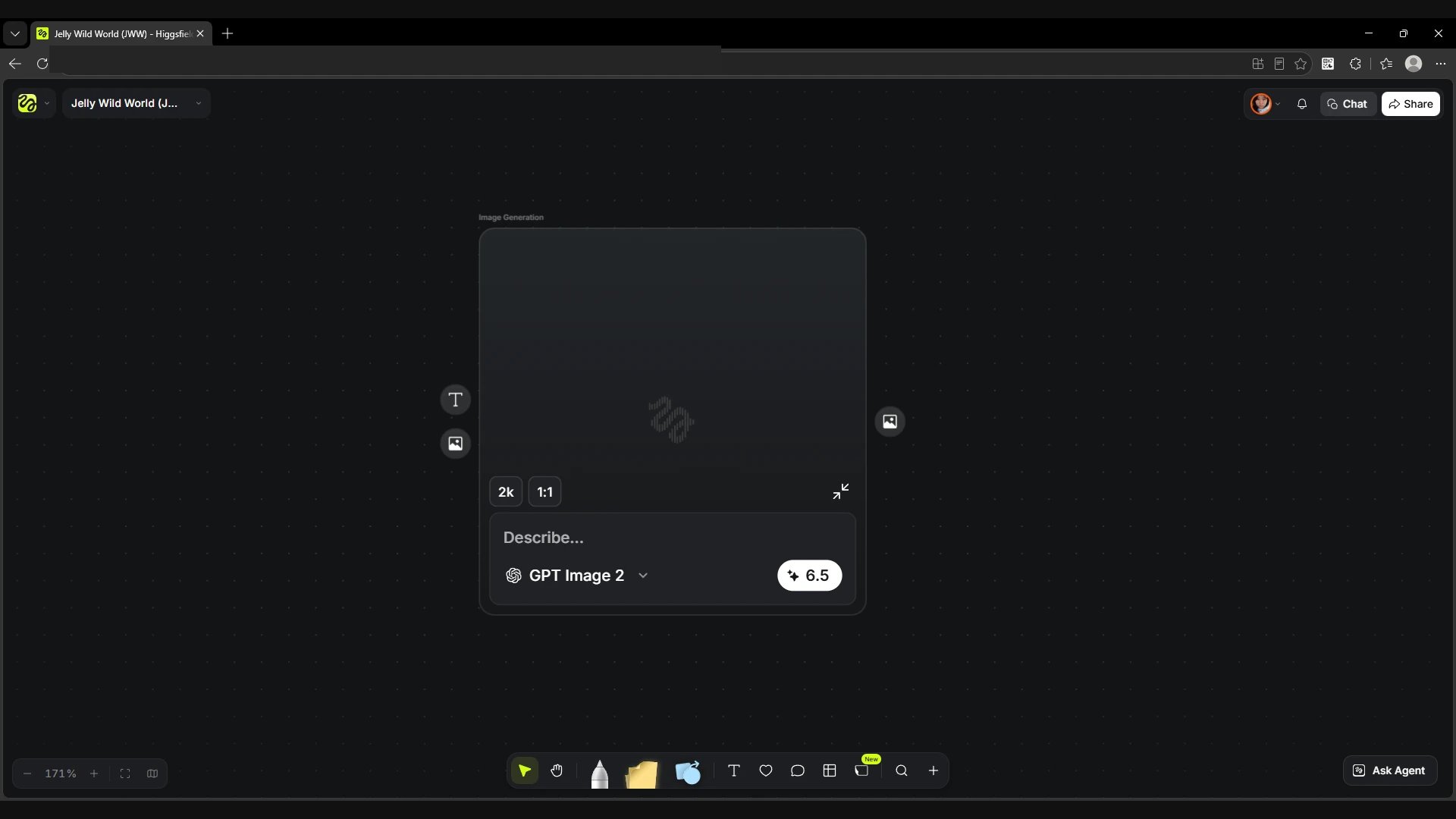
Canvas is a visual workspace where you connect prompts, references, and generation steps. Each node handles a task, such as generating an image or passing it into a video model. The board makes it possible to trace an output back to the prompt and reference that produced it. That becomes useful when you are exploring several versions or expect to reuse the workflow.
A small campaign workflow might start with an approved product image, branch into two background ideas, and animate the selected image. Keeping the branches together makes it easier to compare them and return to the stronger version. A teammate can also see which inputs led to the result, which helps when you need to revise the same campaign later.
For a one-off project, you may get to the first draft faster in the dedicated studio. Canvas is worth evaluating once you can describe a sequence you perform regularly. Start with a short workflow, run it for one project, and check whether it would still make sense when you swap in a new product or reference.
Visit Higgsfield to Explore Canvas
What to Check Before Choosing a Higgsfield Plan
- Tool and model access. Confirm that the plan includes the studio, model, and workflow you intend to use.
- Credit use. Estimate how many runs you need for a finished deliverable, including alternate takes and revisions.
- Output settings. Check available aspect ratios, resolutions, clip lengths, and export options for your chosen tool.
- Billing and usage terms. Review the current price, renewal interval, and terms for your intended use.
- Quality checks. Set aside time to review product accuracy, text, audio, and consistency between shots.
Frequently Asked Questions
Which Higgsfield tool should I use for a product ad?
Start with Marketing Studio if your input is a product image or URL and your output is an ad. Explore Cinema Studio if the brief calls for more deliberate control over camera movement and shot direction.
Can Soul Cinema images be used in an AI video?
A Soul Cinema still can serve as a visual reference for a compatible image-to-video workflow. Check the video model’s supported inputs and choose a frame with enough room for the movement you want.
When is Canvas useful?
Canvas is useful when a project has multiple generation steps, when you want to compare branches, or when you expect to reuse the same process across several projects.
How much does Higgsfield cost?
Check Higgsfield’s current pricing and the credit cost displayed for the tool you plan to use. Compare the cost of producing a finished result, including revisions, against how often you expect to use the platform.
Conclusion
Higgsfield is worth evaluating if your work regularly calls for product ads, cinematic clips, or visual references. Choose Cinema Studio for shot direction, Marketing Studio for product ad drafts, Soul Cinema for cinematic stills, and Canvas for repeatable workflows. Start with one real project and judge the output, revision time, and credit use before deciding whether a subscription fits your work.







Reviews
There are no reviews yet.